







Tribun Logo black font

Solutions

Resources

About us

Blog

  • English
  • Français
Contact us
Contact us

Solutions

Platform Our services
TribunHealth_Suite Icon

Platform

The full platform

CaloPix-2

CaloPix®

Image Management System

TribunHealth_Platform Icon - AIA-3

AI Apps

Image Analysis (AI)

TribunHealth_Suite Icon - Small - TSP

TeleSlide® Patho

Case Sharing

TribunHealth_Suite Icon - CA-1

CaloPix® Archive

Data Management Solution

customer service logo

Our services

Supporting you every step of the way

best in klas

Customer Testimonials

Best in KLAS

Blog

5 Operational KPIs to Monitor Digital Pathology Adoption

Resources

Resources

article

Blog

calendrier(1)

Events

communique-de-presse(1)

News

livre(1)

Articles and Whitepaper

blog(2)

Customer testimonials

playlist

Videos

Blog

5 Operational KPIs to Monitor Digital Pathology Adoption

About us

About us

Our story logo

Our story

partners logo

Teams and Partners

partners logo

Join the team

Contact us

Have a question, comment or would like to book a meeting?

Contact us

Digital Macroscopy and Gross Specimen Imaging


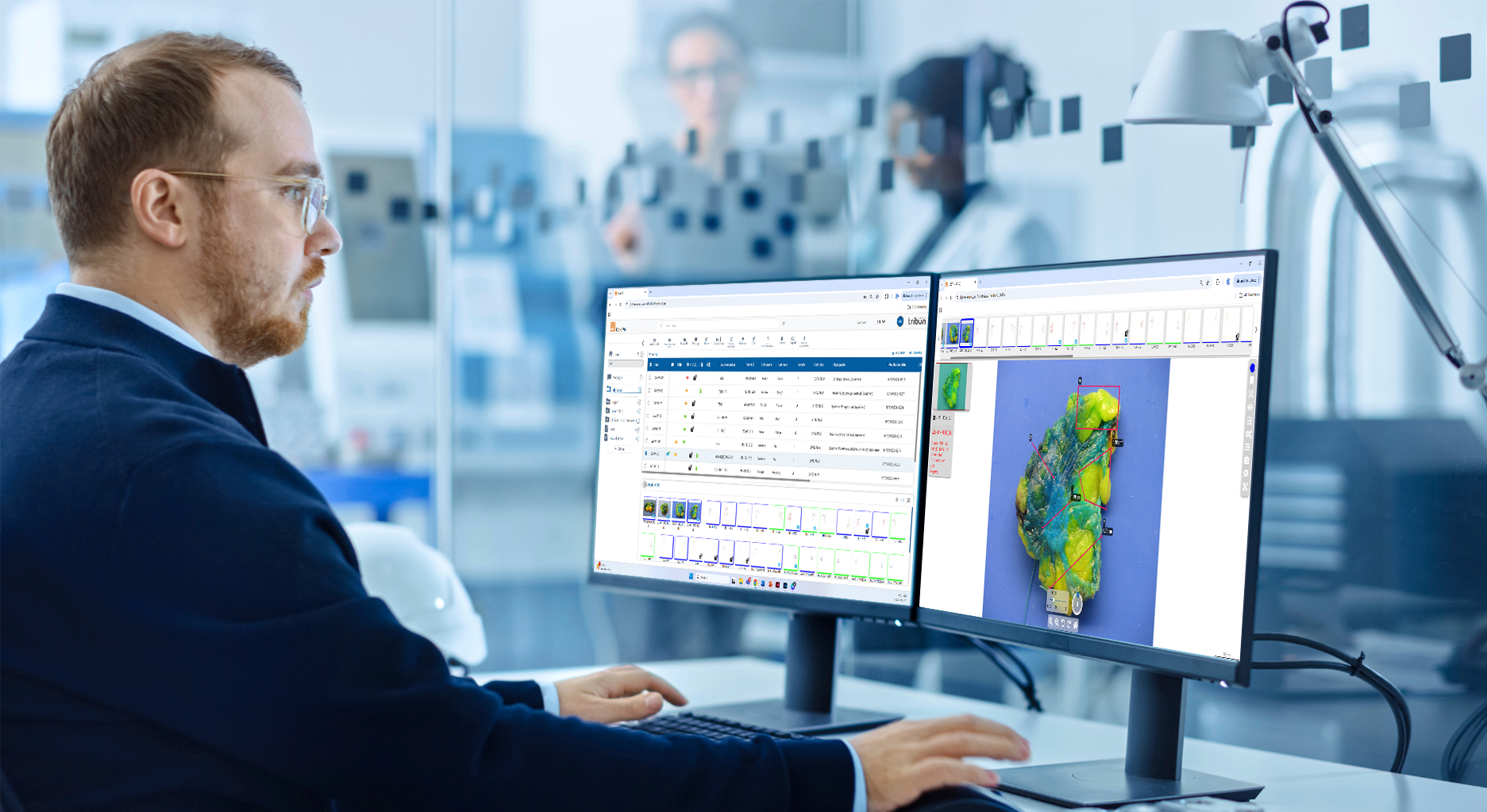
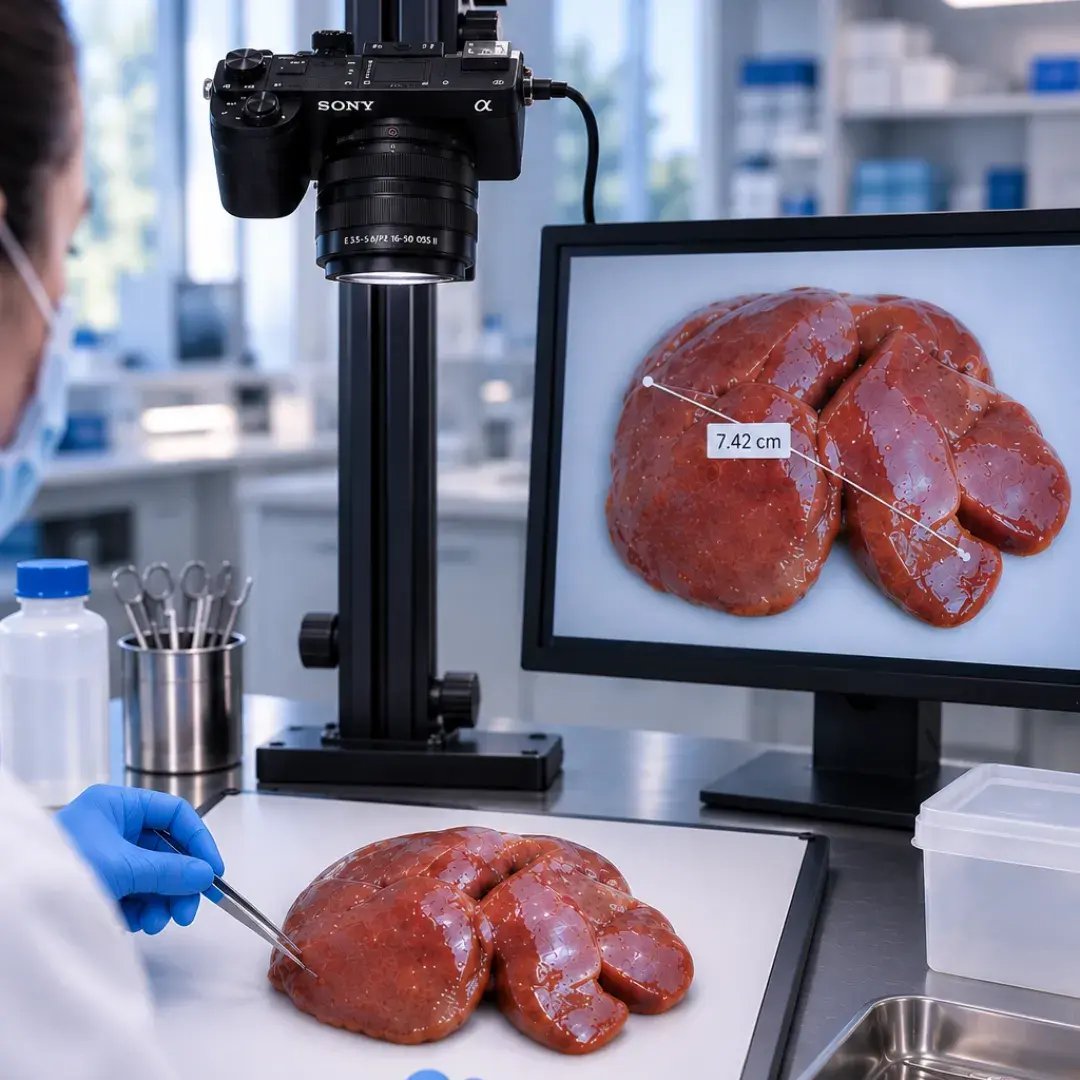
CaloPix Macro supports the capture and documentation of gross specimen images at the start of the digital pathology workflow. It combines image acquisition, barcode-enabled identification, annotations and measurements with connectivity to the laboratory information system (LIS) and CaloPix®.

Discuss your gross imaging workflow Download the CaloPix Macro brochure
Images site internet (2)-1
TribunHealth_Suite Icon - MC-1

Bring gross imaging into the connected pathology workflow

Gross specimen images are most useful when they remain connected to the case, workflow and easily accessible to the authorized users who need them alongside digital pathology slides. CaloPix Macro helps laboratory teams capture, identify, annotate and associate gross images within a digital pathology environment rather than managing them as isolated files.

Gross image capture

Annotation & measurement

Case identification

Connected review

image macroscopie

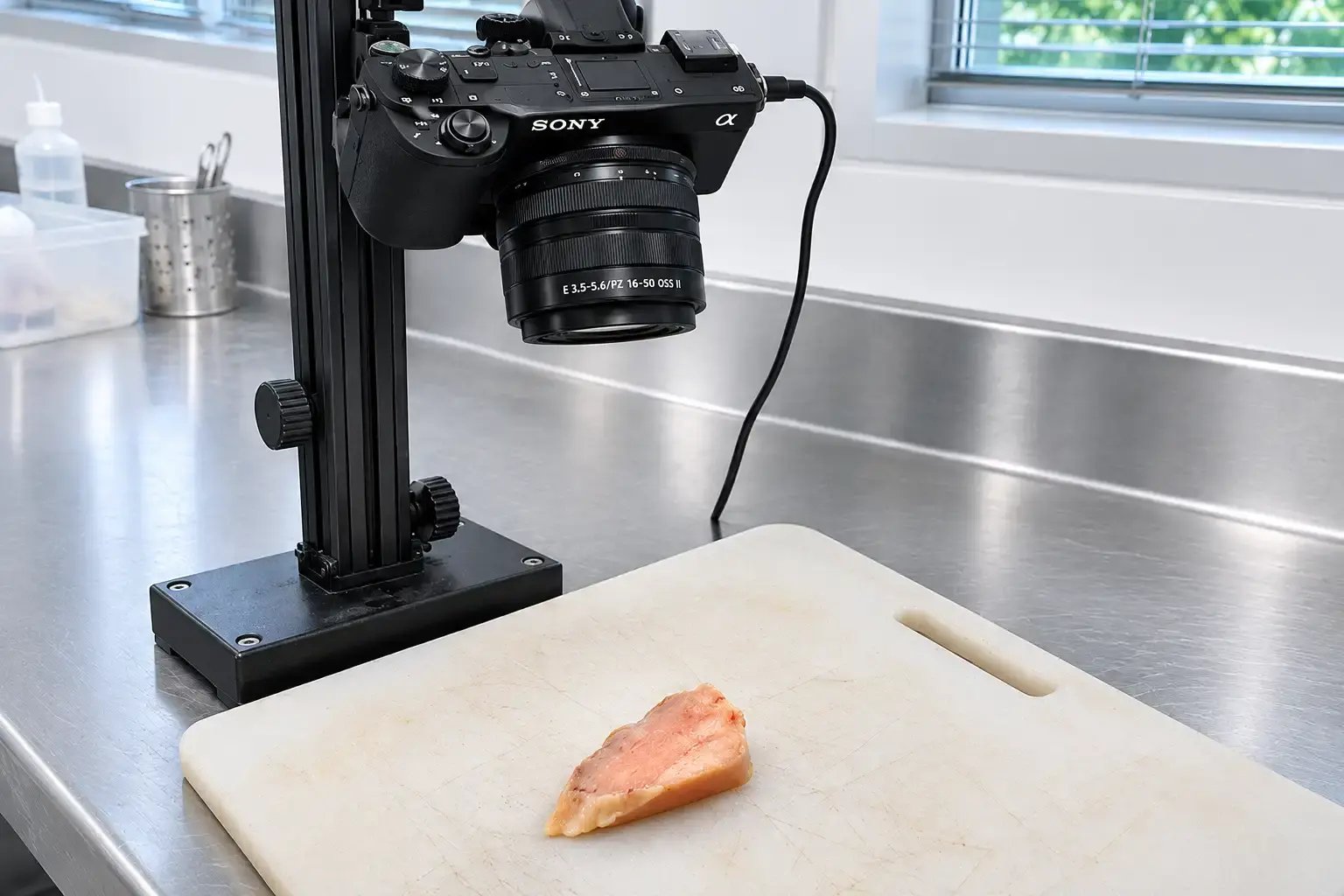
Capture Gross Specimen Images

  • Capture high-definition gross specimen images, using a calibrated acquisition system, ensuring that measurements performed on the images are calibrated.
  • Use live preview, autofocus and zoom functions according to the configured system
  • Support footswitch operation for hands-free capture
  • Review images before associating them with the case
macroscopie mesure annotations

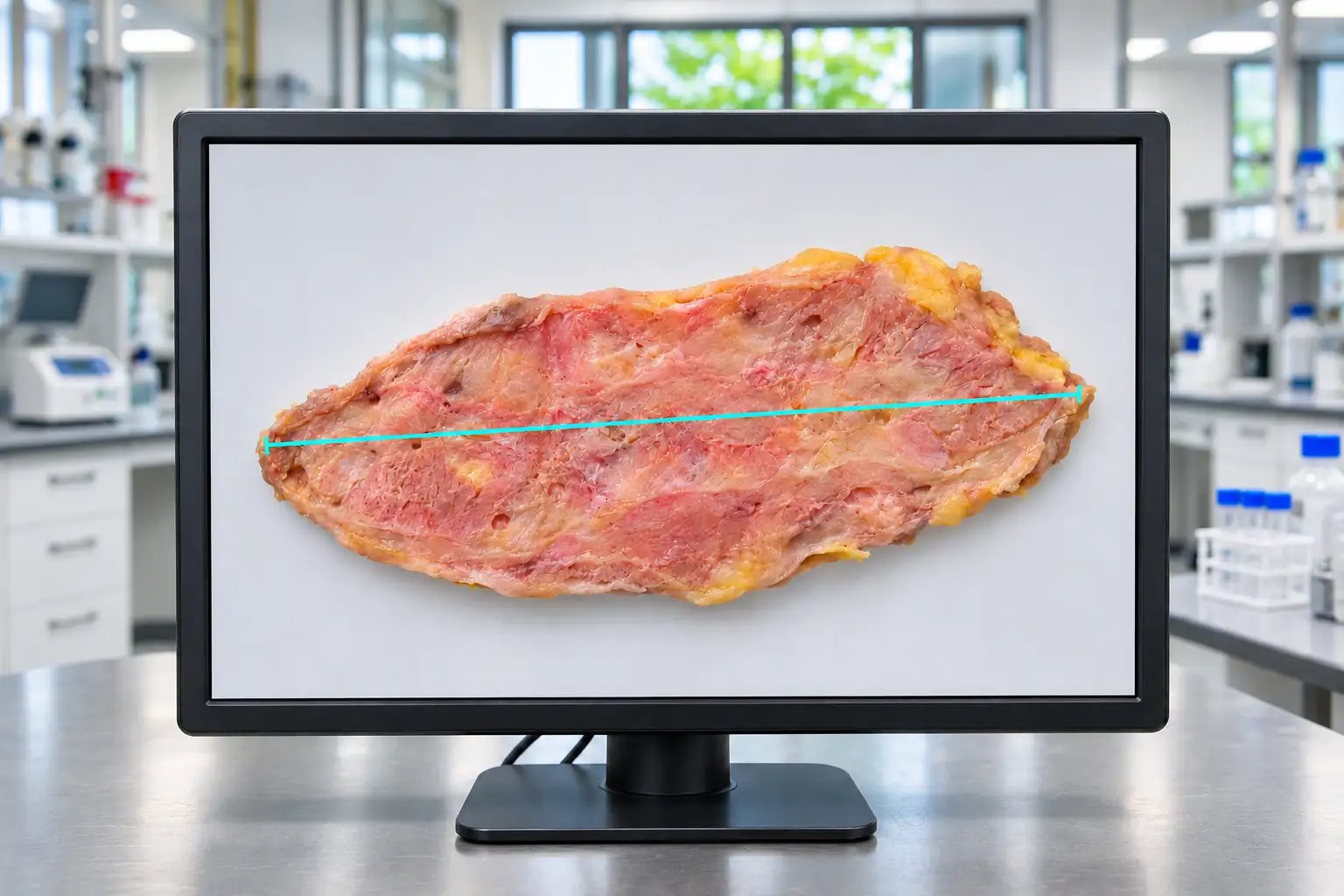
Annotate and Measure During Grossing

  • Add distances, areas, text and configured geometric annotations
  • Document inclusion blocks and cutting patterns where configured
  • Preserve annotations with the corresponding image and case context
  • Apply laboratory-defined documentation procedures
identification du cas

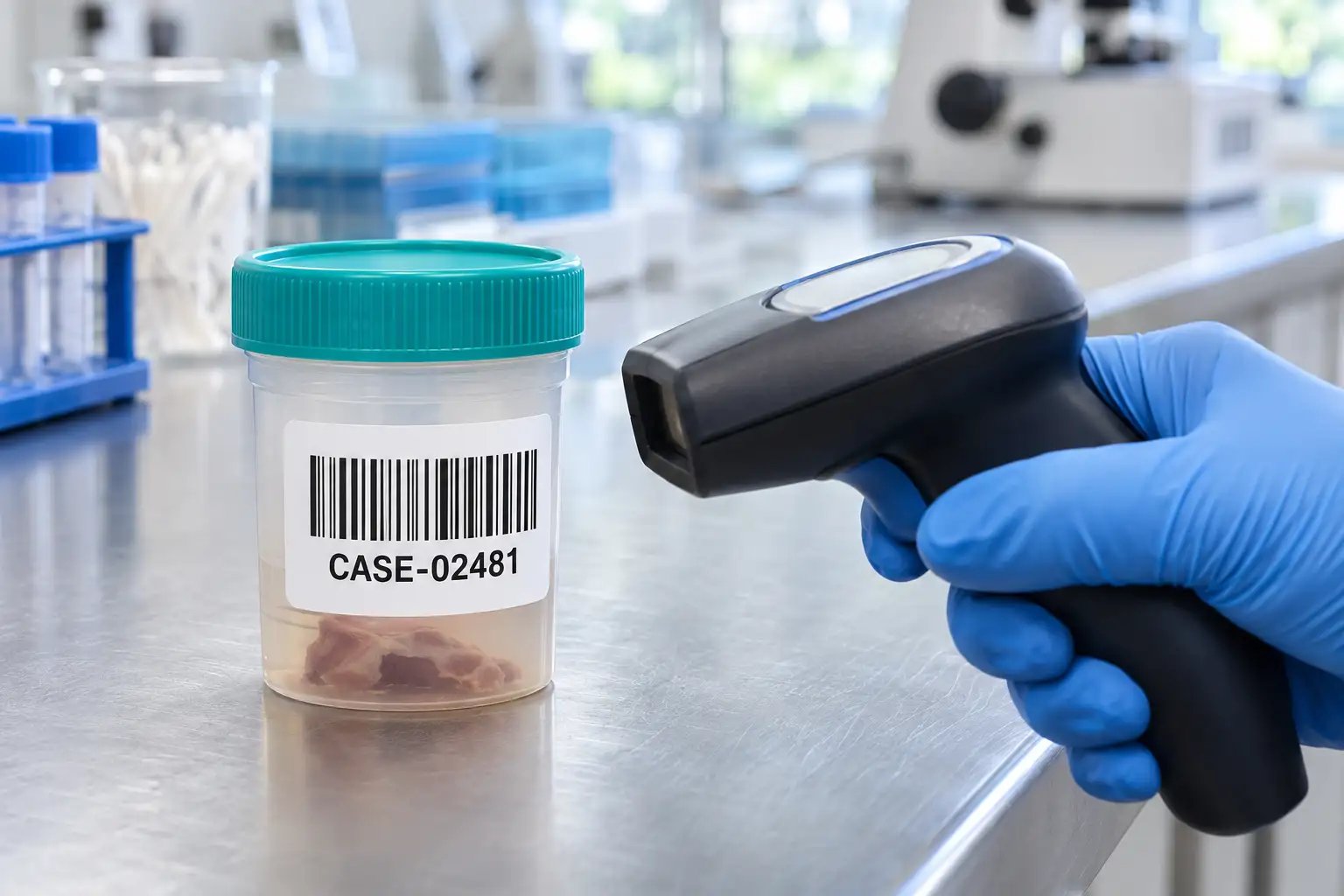
Connect Images to the Correct Case

  • Use barcode-enabled case or specimen identification

  • Associate captured images with the appropriate case through configured LIS workflows

  • Reduce reliance on manually named image files

  • Maintain traceability according to the deployed configuration

Revue connectée

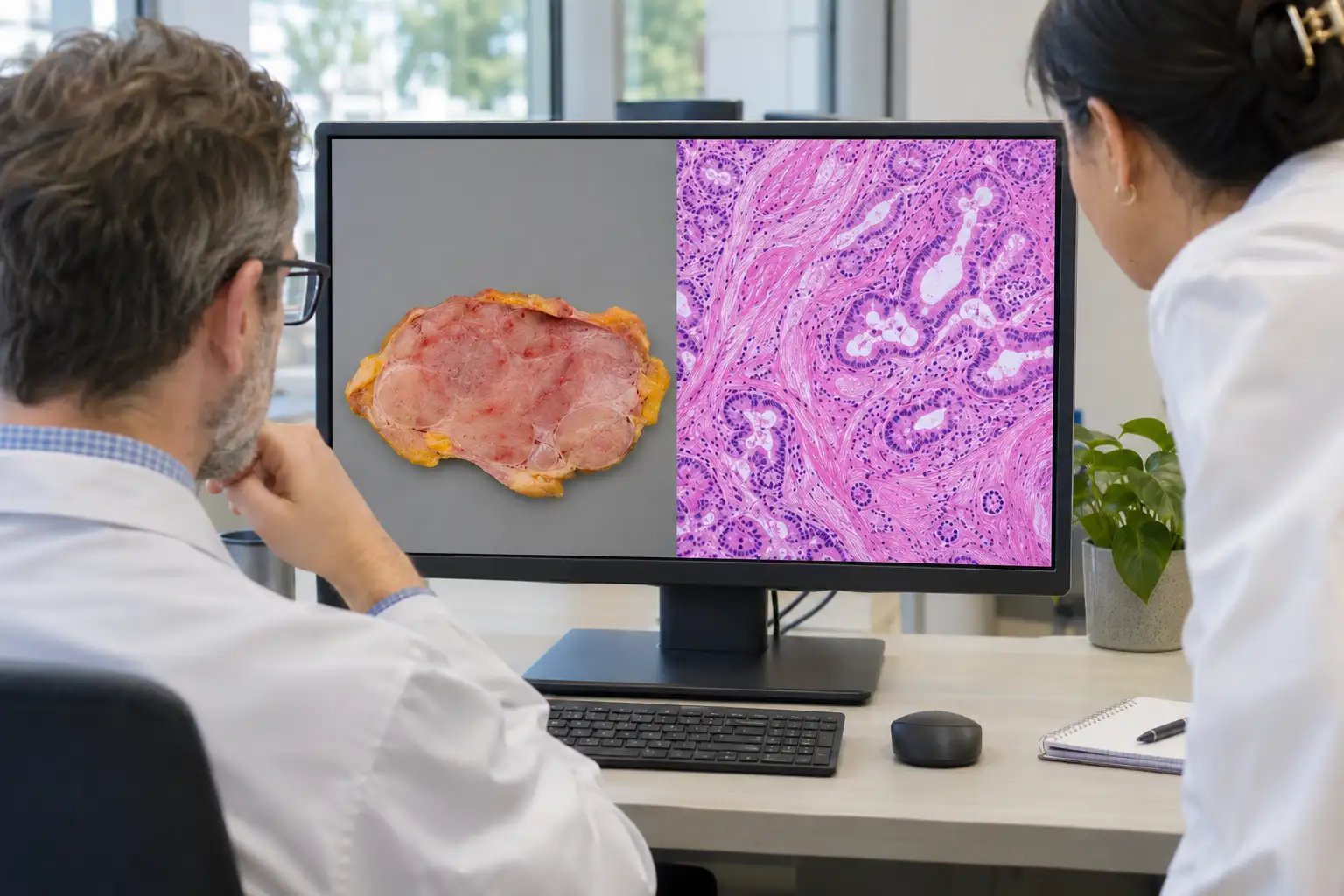
Make Gross Images Available in CaloPix®

  • View gross images alongside other authorized case information

  • Support review and annotation through the connected CaloPix® environment

  • Keep image context available beyond the grossing station

  • Enable collaboration workflows where configured and permitted

How the CaloPix Macro Workflow Works

1

Identify the Case or Specimen

Access or confirm the relevant record using the configured laboratory and barcode workflow.

2

Capture the Gross Image

Use the configured camera controls, live preview, zoom, autofocus and footswitch to capture the required image.

3

Annotate and Measure

Add approved measurements, labels, shapes, inclusion blocks or cutting patterns required by the laboratory workflow.

4

Associate Images with the Case

Link gross images and configured metadata to the correct case through the LIS-integrated CaloPix® workflow. Technicians can optionally dictate context for the pathologist to review.

Designed to connect with laboratory systems

CaloPix Macro is designed to work within the broader pathology environment so captured images retain the case context and remain available to authorized users.

Laboratory Information System (LIS)

CaloPix® Image Management System

Remote and Time-Sensitive

Macro5

Case Identification and Image Association Through the LIS

  • Case and specimen identification using LIS and barcode workflows

  • Gross images and configured metadata associated with the correct case

  • Integration scope, triggers and identifiers confirmed for each deployment

Review your LIS integration requirements
CaloPix_interoperability

Gross Images Within the CaloPix® Case Context

  • Displayed alongside other authorized pathology images

  • Connected to annotations and case workflow information

  • Access managed for authorized users, depending on configuration

Explore CaloPix®
TeleSlide Patho (3)

Configured Remote Review, Including Time-Sensitive Cases

  • Remote access to gross images for authorized reviewers

  • Review and consultation within the connected case workflow

  • Support for time-sensitive use cases, depending on deployment

Discuss your remote review needs

Made for the teams responsible for grossing and digital workflow

seamless for pathologists

Grossing professionals

  • Capture and label gross specimen images
  • Annotate and document images through a structured workflow
  • Make relevant details available for inclusion in the report
seamless for pathologists

Pathologists and clinical teams

  • Review gross images within the case context
  • Use dictated context, when available, for the final report
  • Collaborate with authorized colleagues, where configured
seamless for pathologists

Laboratory and quality leaders

  • Define documentation standards and user responsibilities
  • Set traceability expectations
  • Establish quality-control procedures
seamless for pathologists

IT and pathology informatics teams

  • Plan LIS connectivity, identity and access
  • Define network and storage requirements
  • Plan support and deployment controls

Connect gross imaging to your program

Discuss your specimen-identification process, imaging requirements, LIS workflow, CaloPix® integration and remote collaboration needs with our team. See how gross imaging can fit your laboratory’s setup in a demo tailored to your workflow.

Discuss your gross imaging workflow
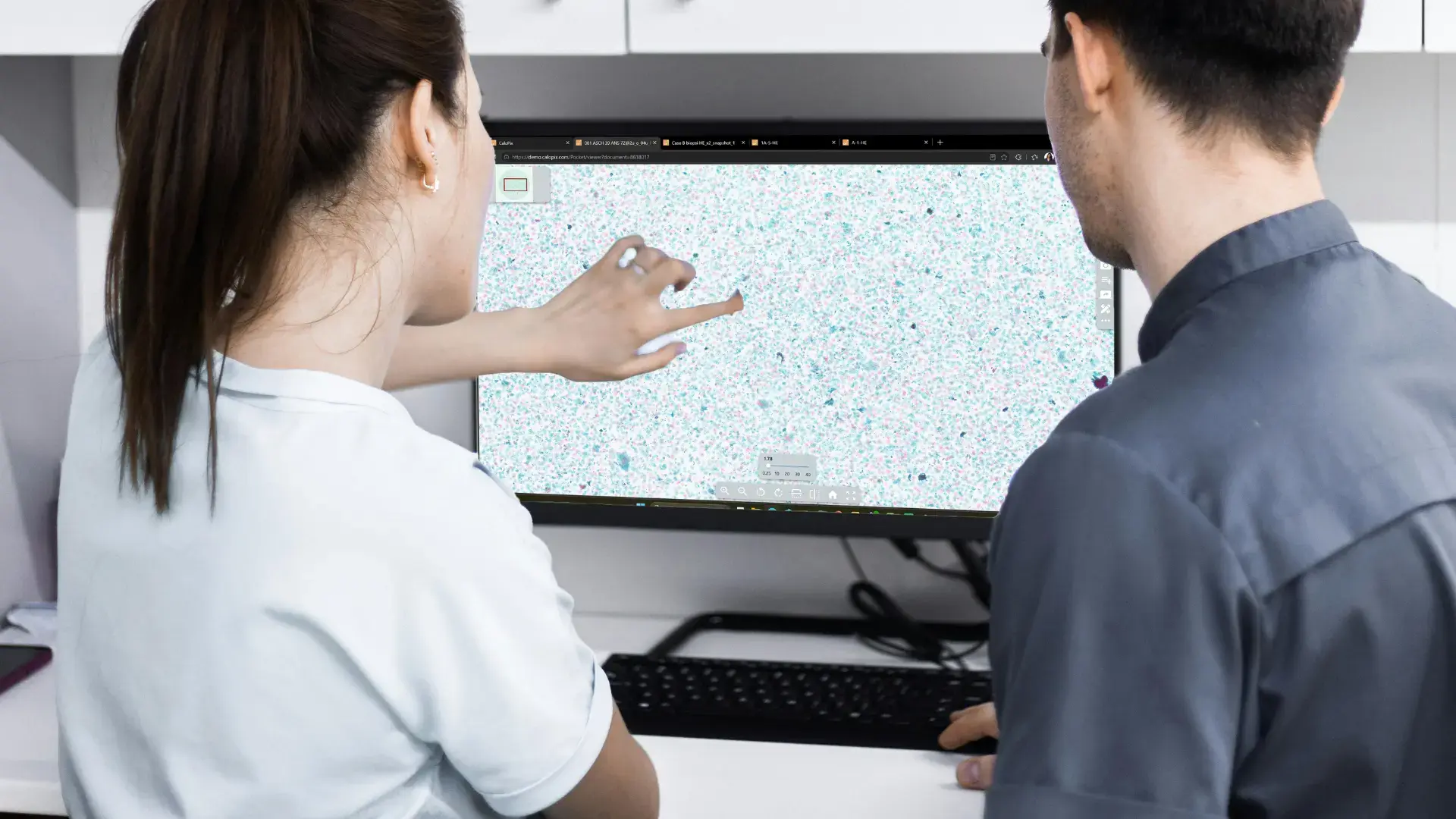
Pathologist working on a digital pathology slide
TribunHealth_Tribun Health Logo White
Contact
linkedin logo
x logo
youtube logo

Entreprise

Our story Teams and Partners Join the team Contact

Diagnostics

Our platform CaloPix® AI Apps Teleslide® Patho CaloPix® Archive Our services Customer Testimonials

Resources

Blog Events Articles and Whitepaper Videos Customer Testimonials News Our resources
Terms of Use Cookie Policy

Copyright © 2008-2026 Tribun Health